How it works
From empty keg to pouring again, in seconds.
When a keg runs out, the line usually drains and has to be refilled before you can pour again. i-FLOW stops that happening: it shuts off the flow the moment the keg is empty, so the line stays full and the change-over takes seconds.
Fit
An i-FLOW device goes on each keg in the cellar. Every device has its own ID, so you always know which unit is on which keg.
Detect
When the keg runs empty, i-FLOW detects it and stops the flow straight away. The line stays full instead of draining.
Swap and purge
Attach the new keg and press the button. The line is purged in seconds and you are pouring again.
Monitor and analyse
Each device sends its data to the cloud, so every keg can be monitored remotely. We provide insights and pour analysis from that data, and roll out firmware updates remotely when you choose.
The i-FLOW app
Monitor every keg from your phone.
Each device reports to the cloud, and the i-FLOW app shows you what is happening in the cellar in real time.
- Live keg levels — see how much is left on every line.
- Line status — which lines are flowing and which have stopped.
- Pours today — a running count across the cellar.
- Control — start or stop a line from the app.
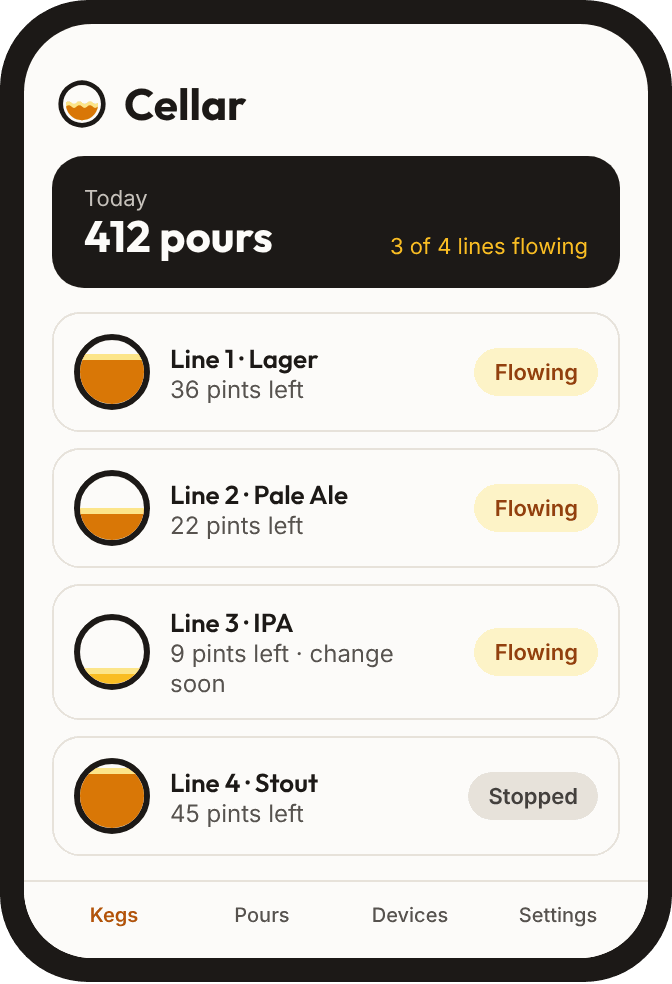
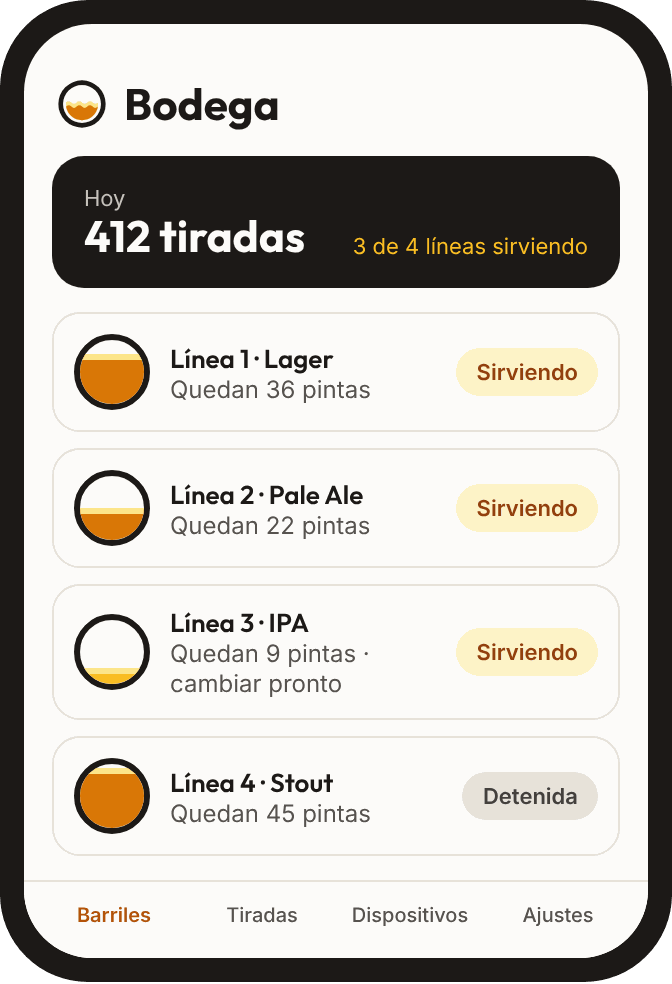
Example screen